
Telenor Quiz Today 27 October 2026 – Latest Verified Answers
Today’s My Telenor quiz is live — and we’ve put all five questions with verified answers right here. Match them in the app’s Test Your Skills section and your 150 MB of free internet is on its way. Takes about two minutes. Why update daily? The app serves a brand-new set of questions every day — yesterday’s answers won’t help today — so this page is refreshed each morning with the new set, dated and timestamped. Bookmark it if you play daily.
My Telenor Answers Today – Accurate Answers for 27 October 2026
Updated: 27 October 2026 · 5 questions · verified from the My Telenor app
The 27 October 2026 quiz is solved. Below are the five verified answers — the same ones the app marks correct. Quick, easy, done.
What is Pakistan's national flower?
Why: Jasmine is Pakistan's national flower.
Which bird is Pakistan's national bird?
Why: The chukar partridge, known as Chakor, is Pakistan's national bird.
Which mountain is second highest in the world?
Why: K2 is the world's second-highest mountain, after Mount Everest.
Which statue was gifted to the United States by France?
Why: France gifted the Statue of Liberty to the United States.
Which ancient wonder is in Giza, Egypt?
Why: The Great Pyramids stand at Giza in Egypt.
Today’s Quiz in the App — Screenshots
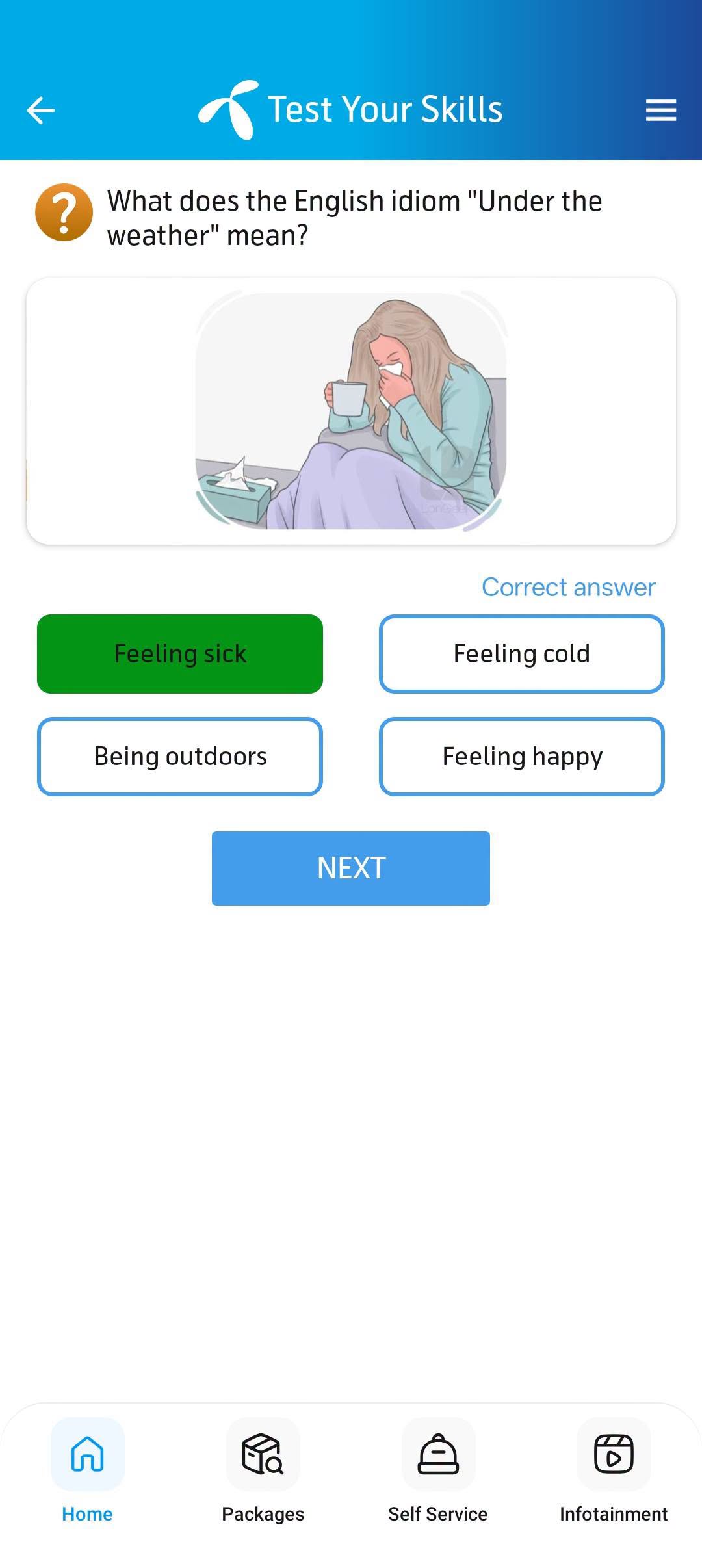
Here is exactly what today’s quiz looks like inside the My Telenor app, with the correct answers highlighted in green. Match these in the app to win.
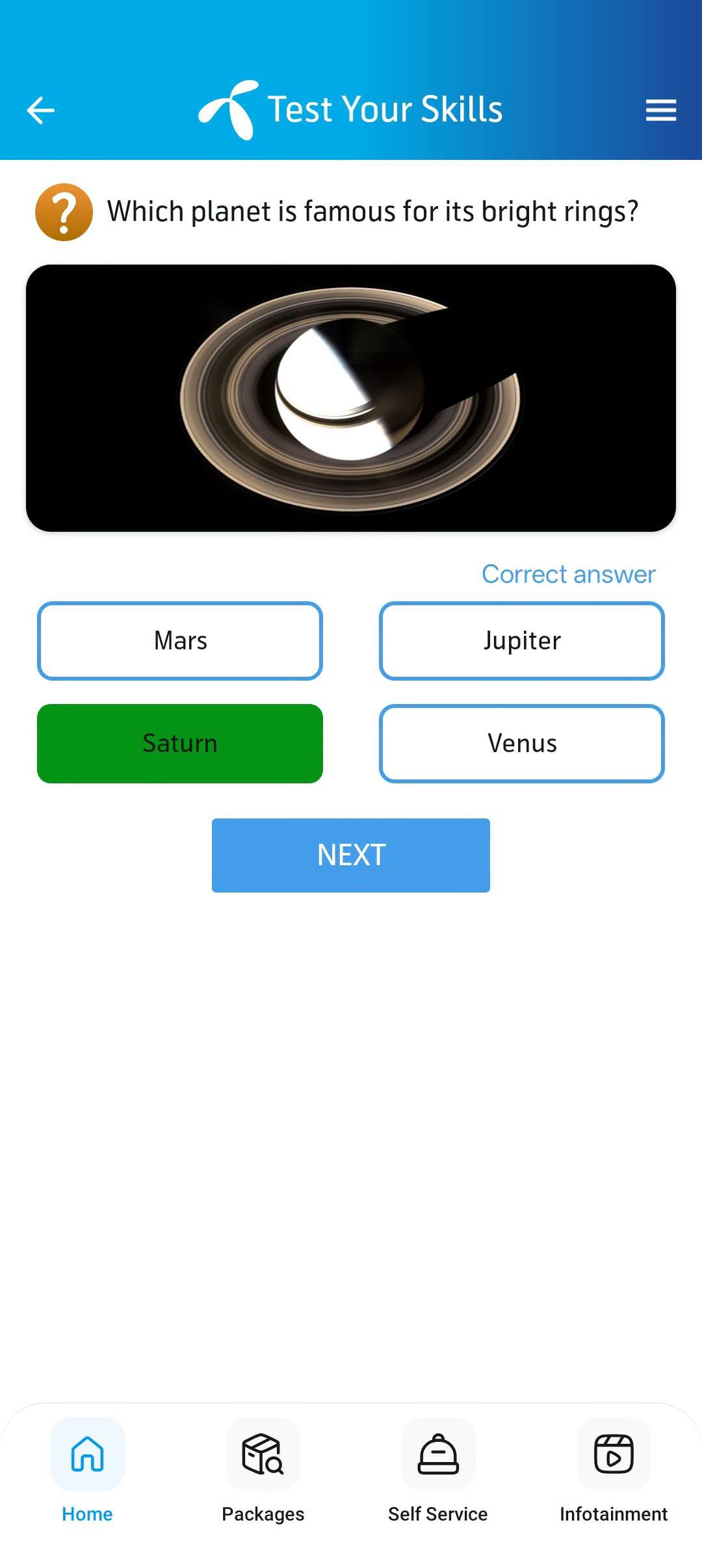
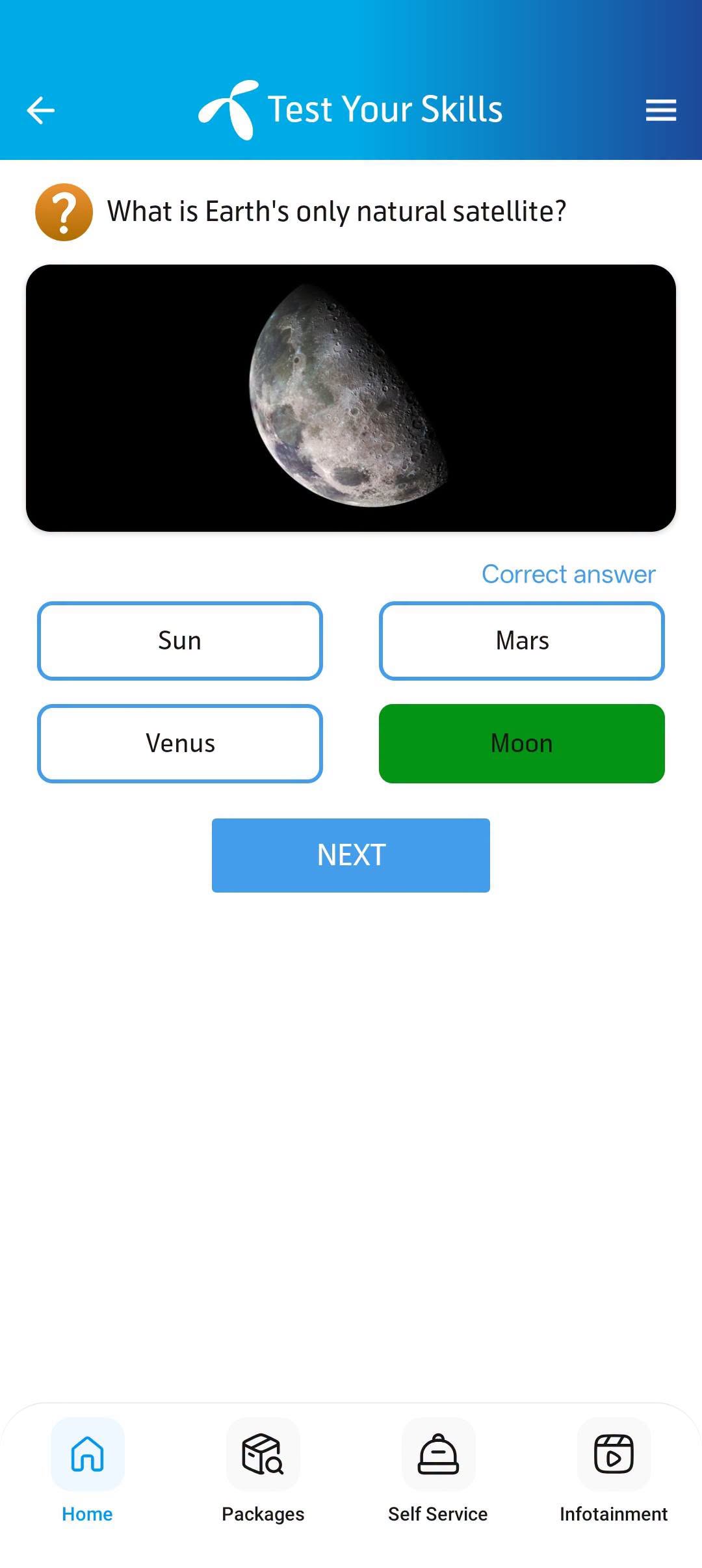
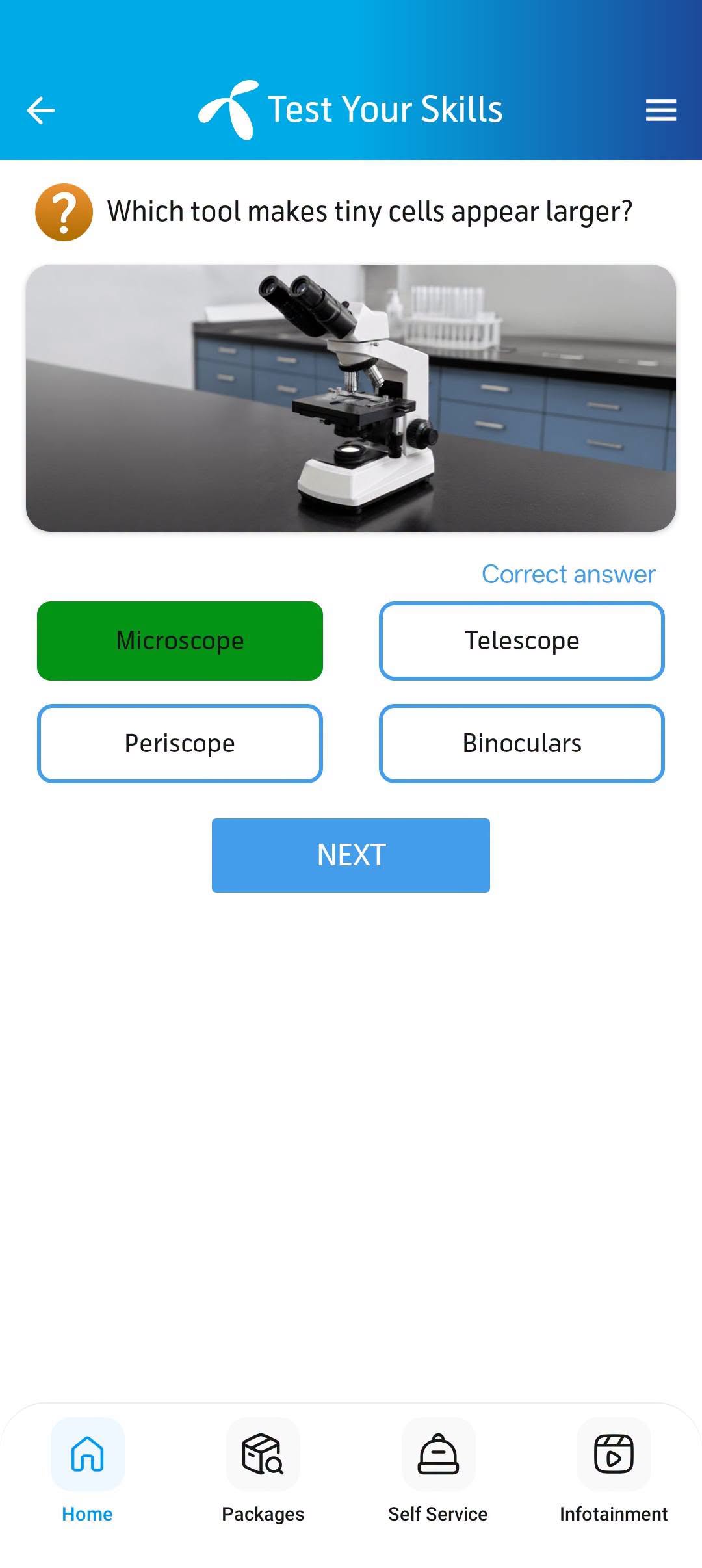
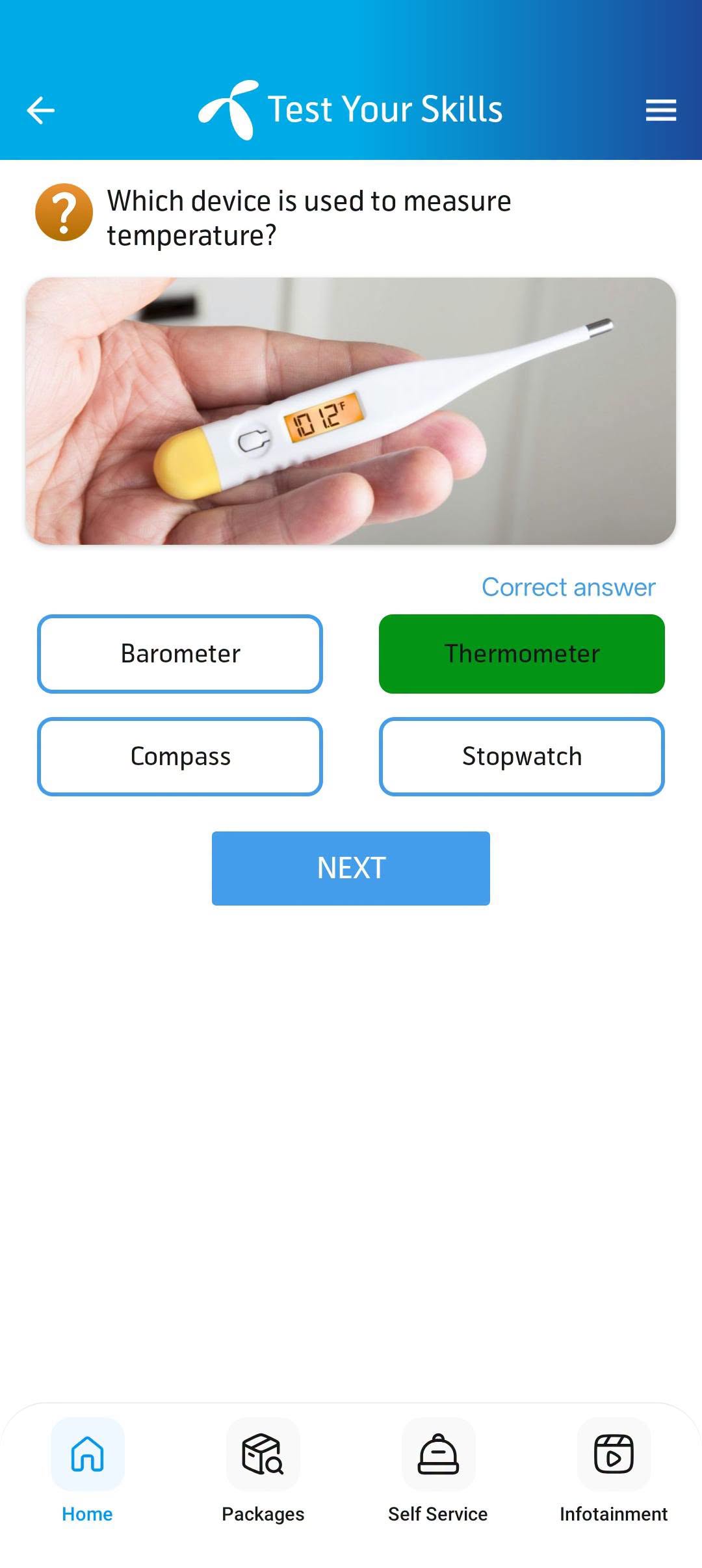
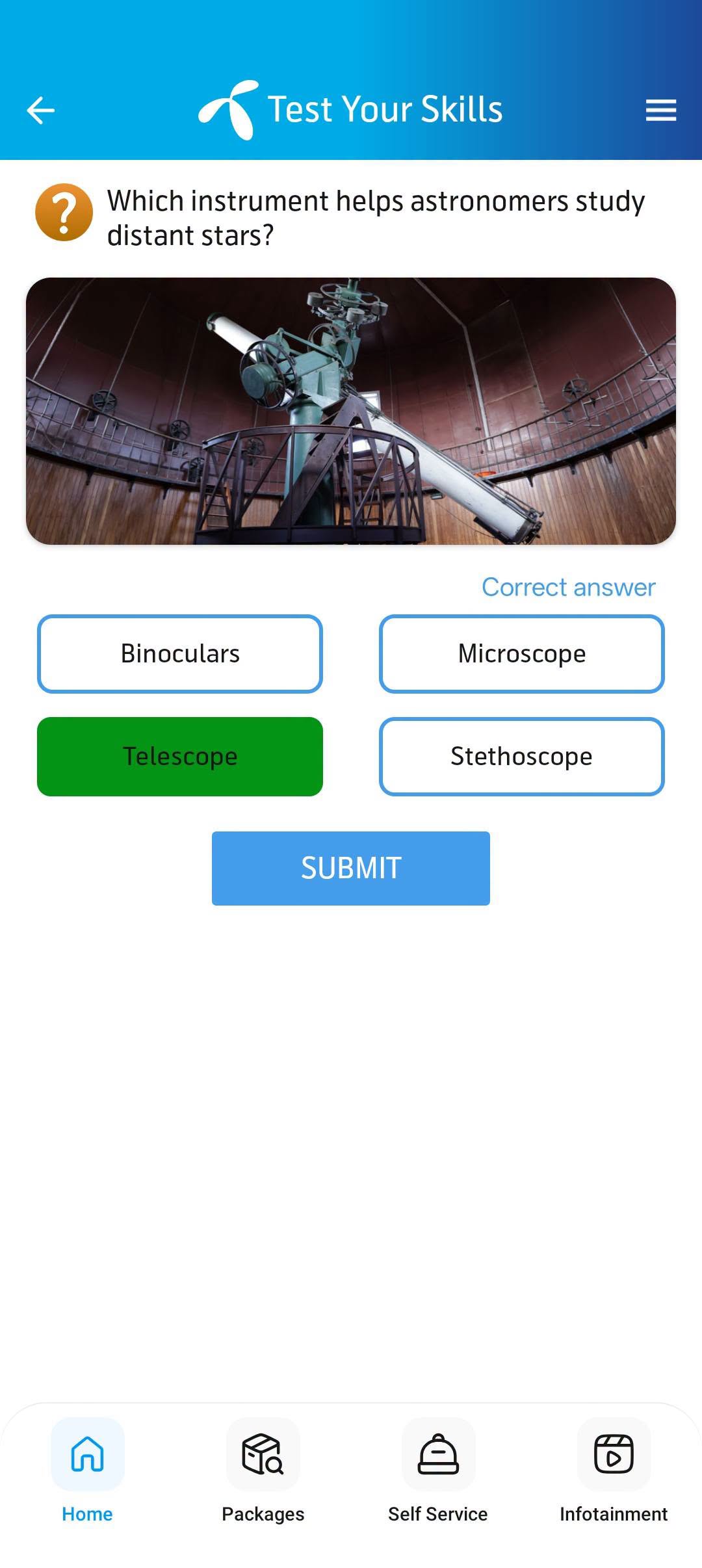
Table of Contents
- What is the Telenor Daily Quiz?
- How to Access the Quiz in the My Telenor App
- How to Play the Telenor Quiz Today
- Telenor Quiz Question Categories
- Types of Rewards You Can Win
- Telenor Quiz Rules & Eligibility
- Who Can Participate?
- Advantages of the Daily Quiz
- Common Problems and Fixes
- Tips and Tricks to Win Daily
- Final Thoughts
- FAQs
What is the Telenor Daily Quiz?
Every morning, the My Telenor app puts up five new multiple-choice questions under “Test Your Skills” — some users see it labelled “Play & Win.” Answer all five correctly and Telenor credits free internet, usually 150 MB, directly to your SIM. No forms to fill, no lucky draw to wait for. Two minutes of tapping, and the MBs are yours.
That simplicity is exactly why it caught on. Students play it on the bus, office workers play it with their morning tea, and plenty of people we know have made it part of their daily routine — a tiny habit that quietly pays for a chunk of their monthly data.
How to Access the Quiz in the My Telenor App
New to this? Getting to the quiz takes less than a minute:
- Install the My Telenor app from the Play Store or App Store — or just open it if you already have it.
- Log in with your Telenor number and enter the OTP code you receive by SMS.
- On the home screen, tap the “Play & Win” or “Test Your Skills” banner.
- That’s it — today’s five questions will be right in front of you.
Can’t see the banner? Update the app first; older versions sometimes hide it. And if you use two SIMs, it works fine as long as one of them is an active Telenor SIM.
How to Play the Telenor Quiz Today
The whole thing takes under five minutes. Here’s how a typical round goes:
1. Log in with your Telenor number
Open the app, type in your Telenor number, and confirm the SMS code. Once you’re in, everything unlocks.
2. Open the Play & Win section
Scroll the home screen until you spot “Play & Win” or “Test Your Skills” and tap it. This is where the day’s quiz lives.
3. Answer the five questions
Each question gives you four options. Read carefully and don’t rush the tap — most wrong answers we hear about come from hurrying, not from not knowing.
4. Collect your reward
Get all five right and the reward screen pops up. The free MBs — normally 150 MB — land on both prepaid and postpaid numbers.
Telenor Quiz Question Categories
No two days feel the same, because the questions rotate across a wide mix:
General Knowledge
Capitals, famous personalities, history, and what’s making headlines — the everyday stuff that comes up in conversation and exams alike.
Pakistan Studies
Our history, geography, provinces, and culture. Genuinely handy if you’re a student — a surprising amount of this overlaps with coursework.
Science and Technology
Planets, basic physics, gadgets, and now and then something on AI. Kept simple on purpose; you don’t need a science background.
Geography
Rivers, mountain ranges, oceans, where-countries-are questions. Play for a month and your world map knowledge quietly levels up.
Islamiyat
Respectful, easy questions on Islamic teachings, history, and important figures — written to be comfortable for everyone.
Seasonal and Mixed Questions
Around Eid or big national events you’ll spot themed questions. Other days it’s a lucky dip: sports, health, food, daily life — anything goes.
Types of Rewards You Can Win
The standard daily prize is 150 MB of free internet for five correct answers. That’s the one you can count on. On special occasions — festivals, cricket campaigns, app anniversaries — players have also reported:
- Bonus balance usable for calls and SMS
- Free minute and SMS bundles during promotions
- Surprise data offers for people who play regularly
Do the maths: 150 MB a day is over 4 GB a month. For a two-minute habit, that’s a real dent in a data bill.
Telenor Quiz Rules & Eligibility
Nothing complicated here, but worth knowing before you tap:
- You get one attempt per day — make it count.
- All five answers must be correct to win the full reward.
- The clock resets at midnight (Pakistan time) — unfinished quizzes don’t carry over.
- Rewards can take a few minutes to arrive, so don’t panic if they’re not instant.
- You need an active Telenor SIM and the My Telenor app. That’s the entire eligibility list.
Who Can Participate?
Short answer: basically every Telenor customer in Pakistan.
- Prepaid and postpaid — both work, as long as the app is installed and you’re logged in.
- Dual-SIM phones — fine, as long as your Telenor SIM is active.
- Students, professionals, trivia fans — if you like testing yourself and don’t mind free data, this is for you.
Advantages of the Daily Quiz
- Free data that adds up: 150 MB a day becomes gigabytes over a month — without spending a rupee.
- Two minutes, tops: shorter than brewing chai. It slips into any morning routine.
- You actually learn things: regulars end up knowing odd facts across science, history, and current affairs.
- Zero learning curve: if you can use WhatsApp, you can play this quiz.
- No hidden charges: playing costs nothing. The reward is the whole point.
Our Verification Process: How Every Answer Is Checked
A wrong answer costs you the reward — so we treat accuracy as the whole point of this page. Here is exactly how each day’s answers go live:
- We play the quiz ourselves. Every morning, we open the My Telenor App, complete that day’s quiz, and record the app’s own correct answers.
- We cross-check two independent sources. Each answer is compared against at least two other quiz-answer sources. Only answers confirmed by multiple sources are published.
- Disagreement means no publish. If sources conflict on an answer, we keep researching instead of guessing. A late correct answer beats an early wrong one.
- We update daily, dated and timestamped. The page title, quiz card, and structured data all carry the current date, so you can see exactly which day’s answers these are.
This process runs 365 days a year. It is why players bookmark this page instead of searching random blogs each morning.
Having Trouble? Common Quiz Problems & Quick Fixes
The Telenor quiz is simple, but sometimes small things get in the way. Here are the problems readers write to us about most — and the fixes that actually work.
1. Today’s answers are not showing — I still see yesterday’s quiz
This is almost always your browser cache. Hold Ctrl and press F5 (hard refresh) on this page, or clear your browser’s cached images and files and reload. We update the answers every night shortly after midnight (Pakistan time), so if you are visiting before 1 AM, yesterday’s quiz may still be on screen for a few more minutes. Check the date printed at the top of the quiz card — if it says today, you are on the right answers.
2. The “Test Your Skills” section is missing in my My Telenor App
First, update the app from the Google Play Store or Apple App Store — old versions hide the quiz section. If it is still missing, log out of the app and log back in with your Telenor number, then check that your SIM is active. On some phones the quiz sits under a “Rewards” or “More” tab rather than the home screen, so tap around once before assuming it is gone.
3. I submitted the answers but got no reward
Rewards are not always instant — give it up to 24 hours. Open the My Telenor App and check the Rewards or History section to confirm. The most common reason for a missing reward is submitting after midnight: the quiz resets every night, so answers must be in before the clock strikes 12. Also make sure all five questions were answered in one session. If 24 hours pass and nothing arrives, call the Telenor helpline at 345 from your Telenor SIM and ask them to check your quiz activity. For balance-related confusion, see our Telenor balance check guide.
4. The app crashes or freezes when I open the quiz
Clear the My Telenor App’s cache (phone Settings → Apps → My Telenor App → Storage → Clear Cache) — this fixes most freezing without deleting your login. If it still crashes, update the app, and as a last resort uninstall and reinstall it. Try both Wi-Fi and mobile data once; sometimes a slow connection, not the app, is the real culprit.
5. I cannot open this site’s quiz page / it loads very slowly
Switch browsers for a minute — Chrome and Firefox handle this page best. Turn off any VPN, because some VPN servers get throttled on Pakistani networks. If pages load slowly on mobile data, check that your internet package has not expired — our Telenor internet packages guide can help you pick the right one.
Still stuck?
Drop us a message through the Contact page and tell us exactly what you see on your screen — the phone model, the app version, and a screenshot if you can. We answer every message, and the problems readers report are how this page keeps growing.
Tips and Tricks to Win Daily
- Play in the morning: fewer people online means fewer glitches. Evenings get laggy.
- Read twice, tap once: re-check every answer before hitting next. Rushing is how streaks die.
- Keep the app updated: updates quietly fix the bugs that ruin quiz sessions.
- Don’t skip days: the MBs compound, and so does your general knowledge.
- Google what you miss: look up any question you get wrong — the same ones have a habit of coming back.
Final Thoughts
Here’s our honest take: the Telenor daily quiz is the easiest free data in Pakistan right now. Five questions, two minutes, 150 MB — the maths just works. Bookmark this page and check it each morning; we post the fresh questions with verified answers every day, so you never have to guess. Play daily, and let the MBs pile up. And if you ever get stuck with anything on your SIM, our Telenor Guides and blog walk you through it step by step.
How to Download the My Telenor App
To play the daily quiz, you need the My Telenor app on your phone. It is free and available for both Android and iPhone users.
On Android:
- Open the Google Play Store on your phone.
- Search for “My Telenor”.
- Look for the official app published by Telenor Pakistan.
- Tap Install and wait for it to download.
- Open the app and allow the basic permissions it asks for.
On iPhone:
- Open the Apple App Store.
- Search for “My Telenor”.
- Find the official app by Telenor Pakistan and tap Get.
- Once installed, open it and allow permissions.
- Make sure your Telenor SIM is in the phone with mobile data on for the first login.
Tip: use your Telenor mobile data (not Wi-Fi) the very first time you log in — the app verifies your number automatically.
How to Play the Daily Quiz — Step by Step
Once the app is installed, playing the quiz takes about two minutes. Here is exactly what to do:
Step 1 — Open the app
Launch the My Telenor app. On the home screen you will see your balance, remaining MBs, and a “Play & Win” button (usually bottom-right, with a small bulb icon).
Step 2 — Start the quiz
Tap Play & Win. The “Test Your Skills” quiz screen opens with Question 1 and four options. Pick the correct answer (check them on this page first!) and tap Next. Repeat for all 5 questions — the screenshots above show exactly what you will see.
Step 3 — Claim your reward
After the fifth question you will see a result popup. If all answers are correct, it says “Congratulations!” — tap Claim Now and the free MBs go to your internet balance. You can confirm them under Offers or Usage.
Note: you can play only once every 24 hours. The quiz resets at midnight, so come back daily.
Telenor Quiz Rules & Eligibility
A few simple rules decide whether your answers count and the reward reaches you:
- You need a Telenor SIM registered in your name. The SIM must be in the phone during first login (for OTP verification).
- Both prepaid and postpaid customers can play.
- You can play once per day only.
- All 5 answers must be correct to win the reward.
- Submit before 11:59 PM Pakistan time — the quiz resets at midnight sharp.
- Rewards usually reflect within a few minutes; sometimes it takes a little longer.
What Topics Does the Quiz Cover?
The five questions come from general knowledge and change every day. The most common categories are:
- General Knowledge
- Pakistan Current Affairs
- Science & Technology
- Islamic Knowledge
- World History & Geography
- Sports
- English Idioms & Vocabulary
- Urdu Idioms (Muhavare)
Because the topics rotate, the smartest habit is simple: check this page every morning before playing.
When Does the Quiz Update?
The My Telenor quiz refreshes at 12:00 AM midnight (Pakistan time) every day with a brand-new set of five questions. We publish the verified answers here within minutes after midnight, so early players get them fresh.
Tip: bookmark this page or visit right after midnight — yesterday’s answers never work today.
Tips to Win Every Day
- Check answers here first. We verify all five every morning — never submit from memory.
- Play early. Right after midnight the app runs smoothest and the question set is fresh.
- Read each question carefully. Sometimes the option order shuffles — match the answer text, not the option letter.
- Keep your app updated. Old versions sometimes fail to load the quiz.
- One attempt only. There is no second try, so get it right the first time.
Questions Don’t Match? Use AI
Sometimes the app shows you different questions than the ones listed above — this happens with app updates, regional differences, or delayed sync. Don’t panic:
Copy the full question from your app and paste it into Google Gemini or ChatGPT. You will get the correct answer in seconds, and you can finish the quiz without losing your reward.
Frequently Asked Questions
Behind the Answers
